Access to Pelican
Rødovre
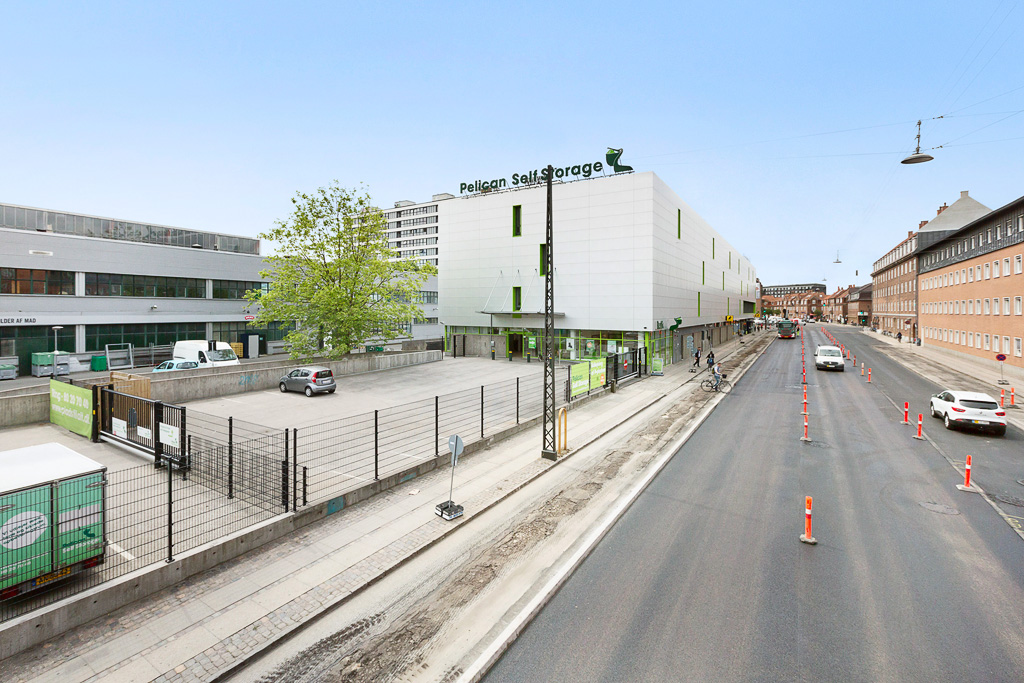
Here you’ll find everything you need to know about access, parking, and loading and unloading at Pelican Rødovre. You need the Pelican app to gain access.
Pelican Smart Access
Once your move-in date has started, you have access to the centre from 05:30 to 22:00 every day, 365 days a year.
To access your storage unit for the first time, you must download the Pelican Smart Access app on your mobile phone. It is important that mobile data is enabled, as the app requires internet access in order to be used and to grant access.
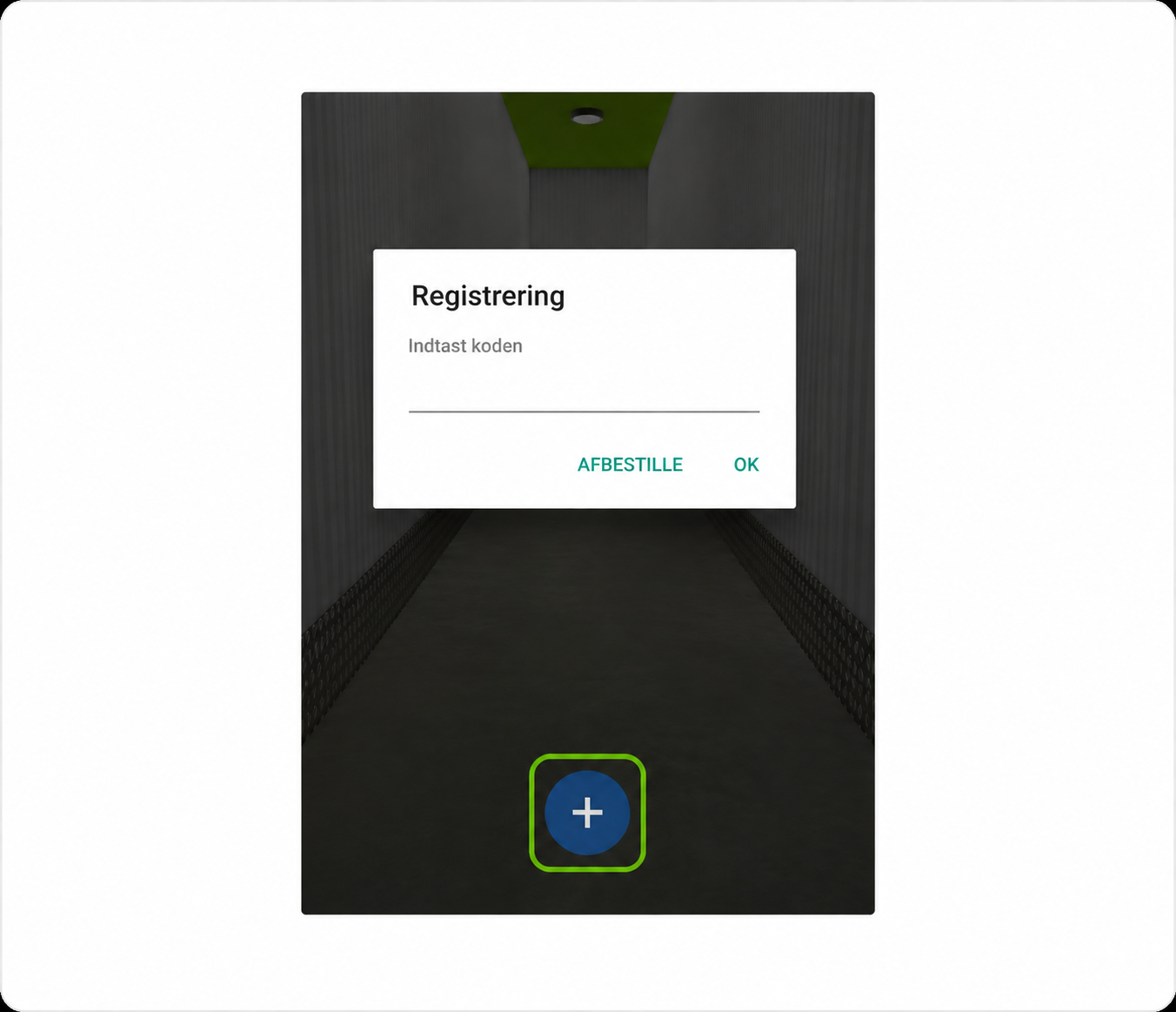
Open Pelican Smart Access and tap the + sign at the bottom.
Enter the code you received by SMS when you booked your unit.
Unlock
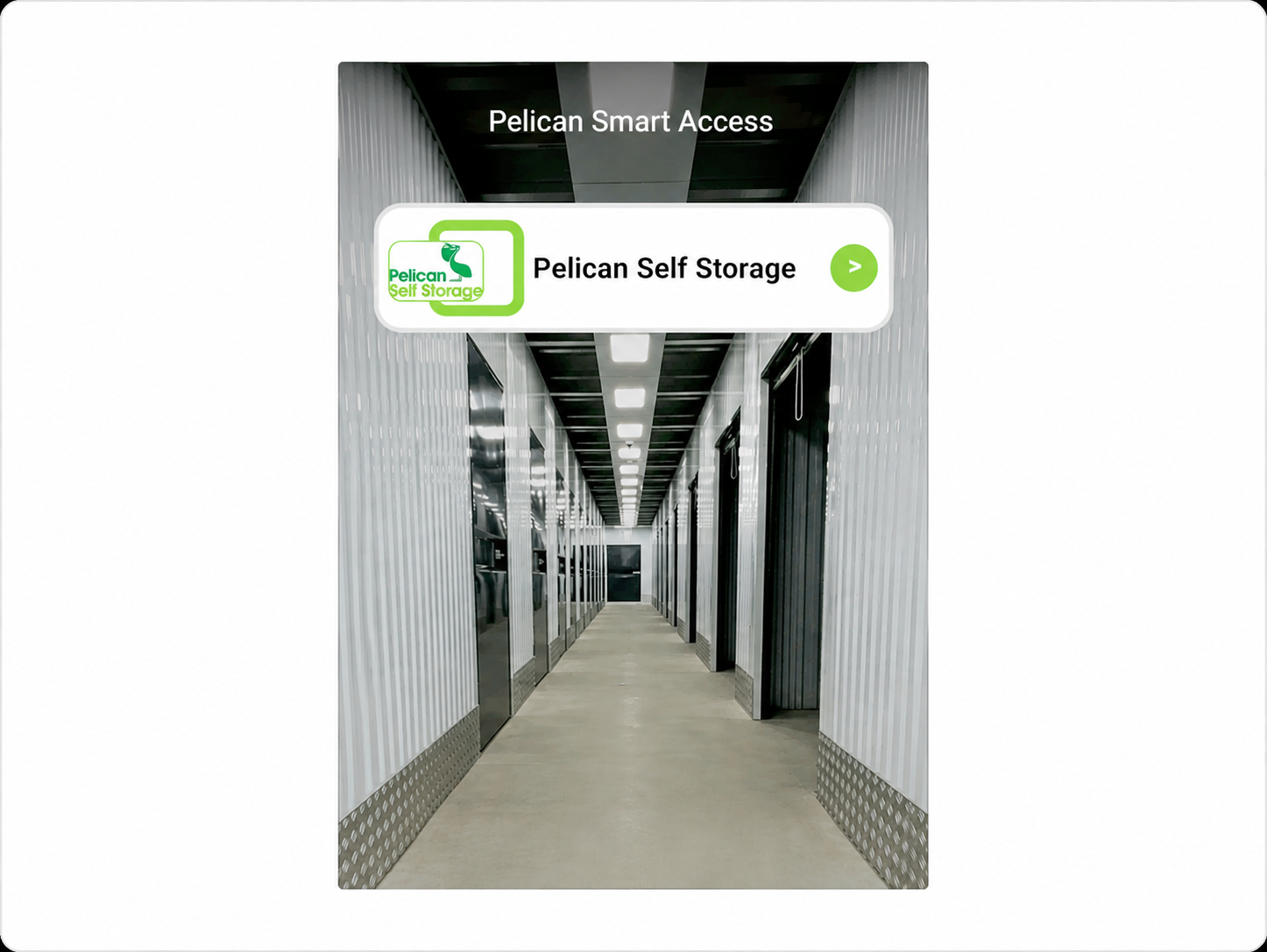
You will now see Pelican Rødovre in the app, which you need to tap.
Access points
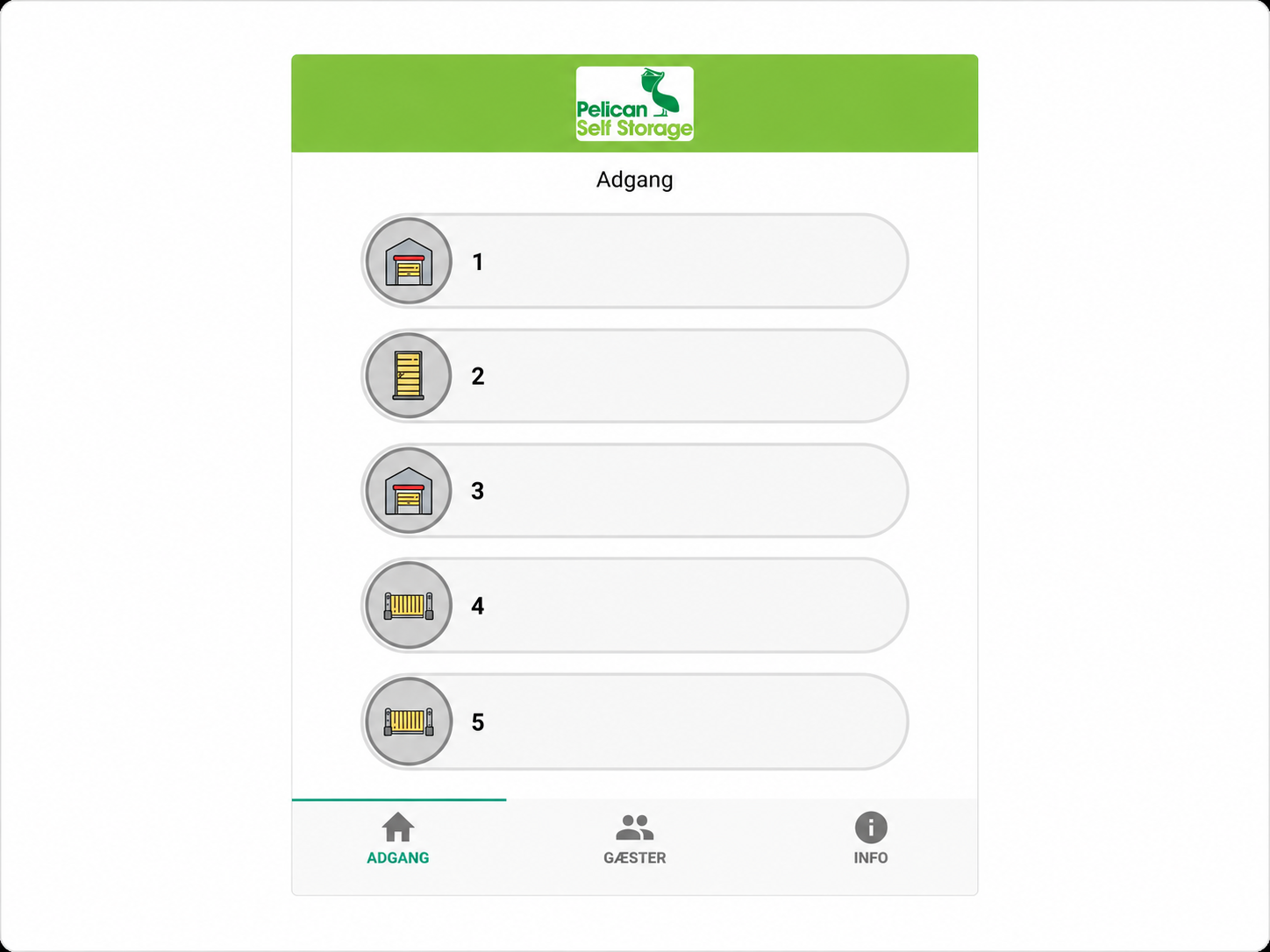
Here you will now have an overview of all the access points you can use, as well as other relevant information about your storage unit.
Open gate or door
To open access, find the number shown next to the gate/door you are standing by. Find the number in the app and swipe to the right. Access will now open and will close automatically again.
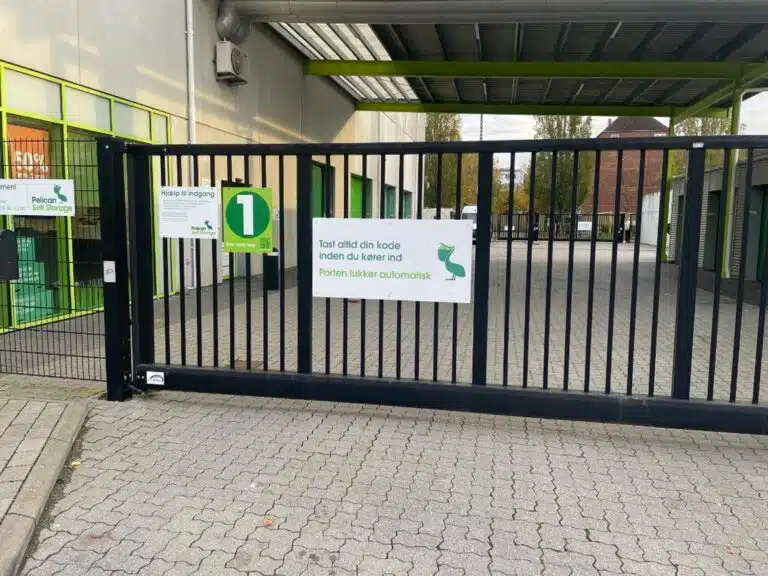
To enter through the driveway gate, find number 1 and swipe right.
Loading/unloading area
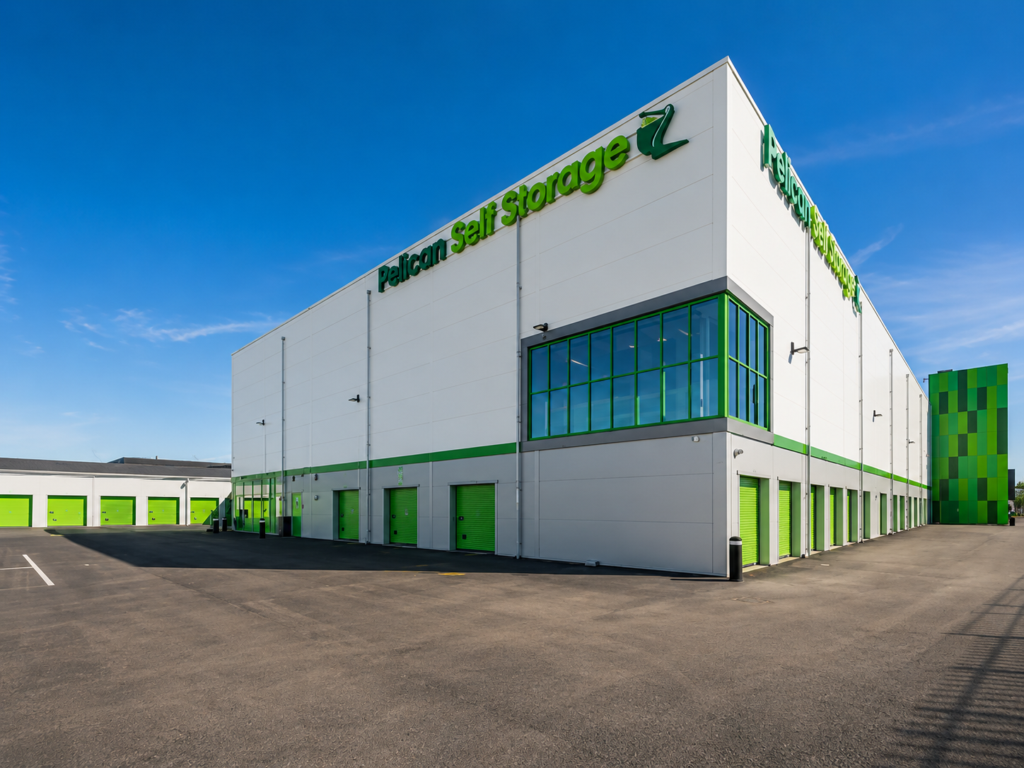
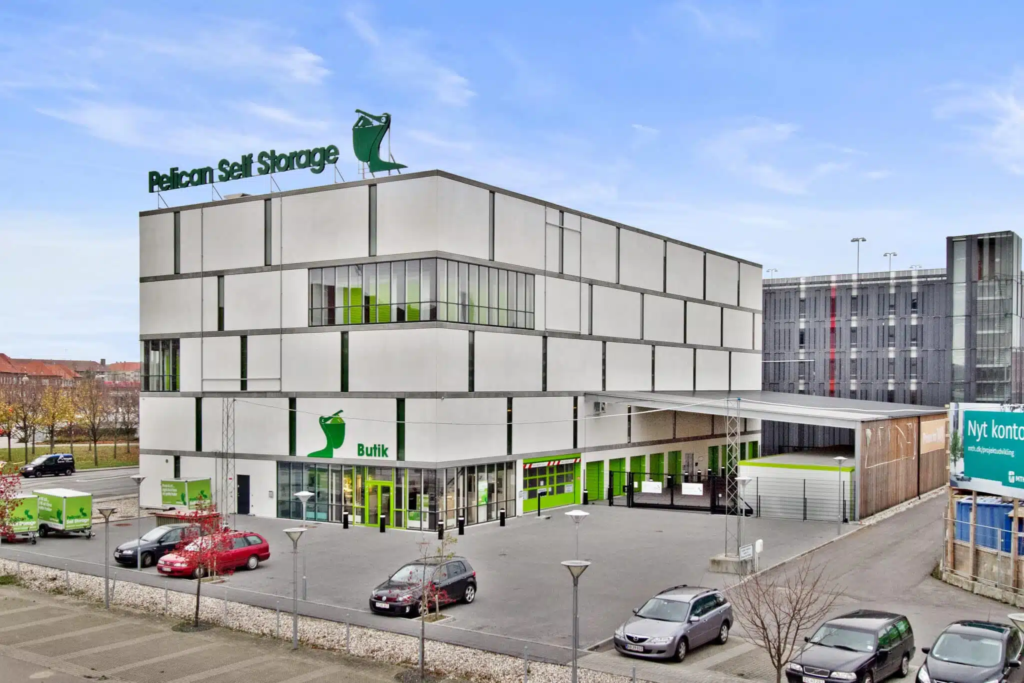
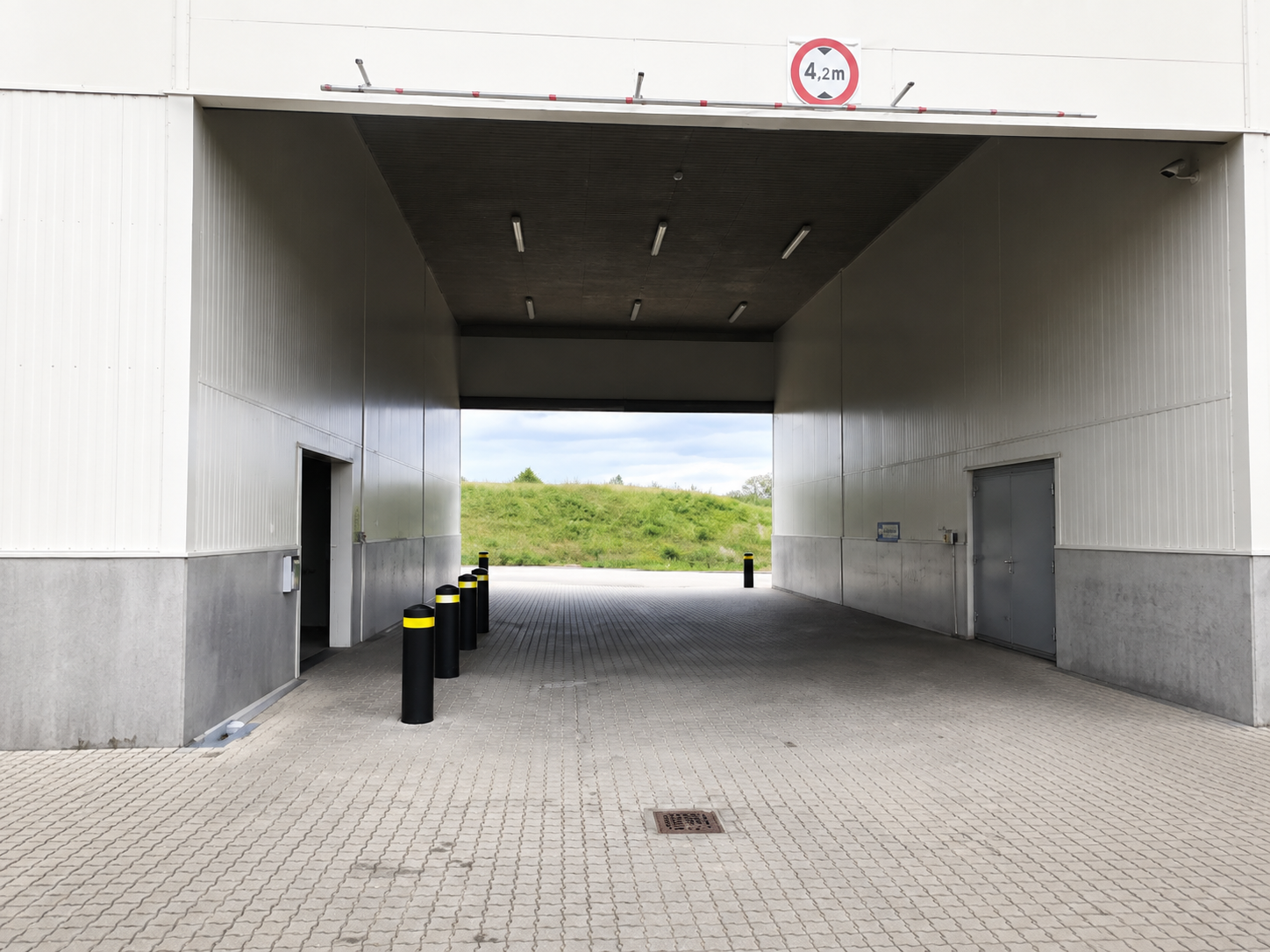
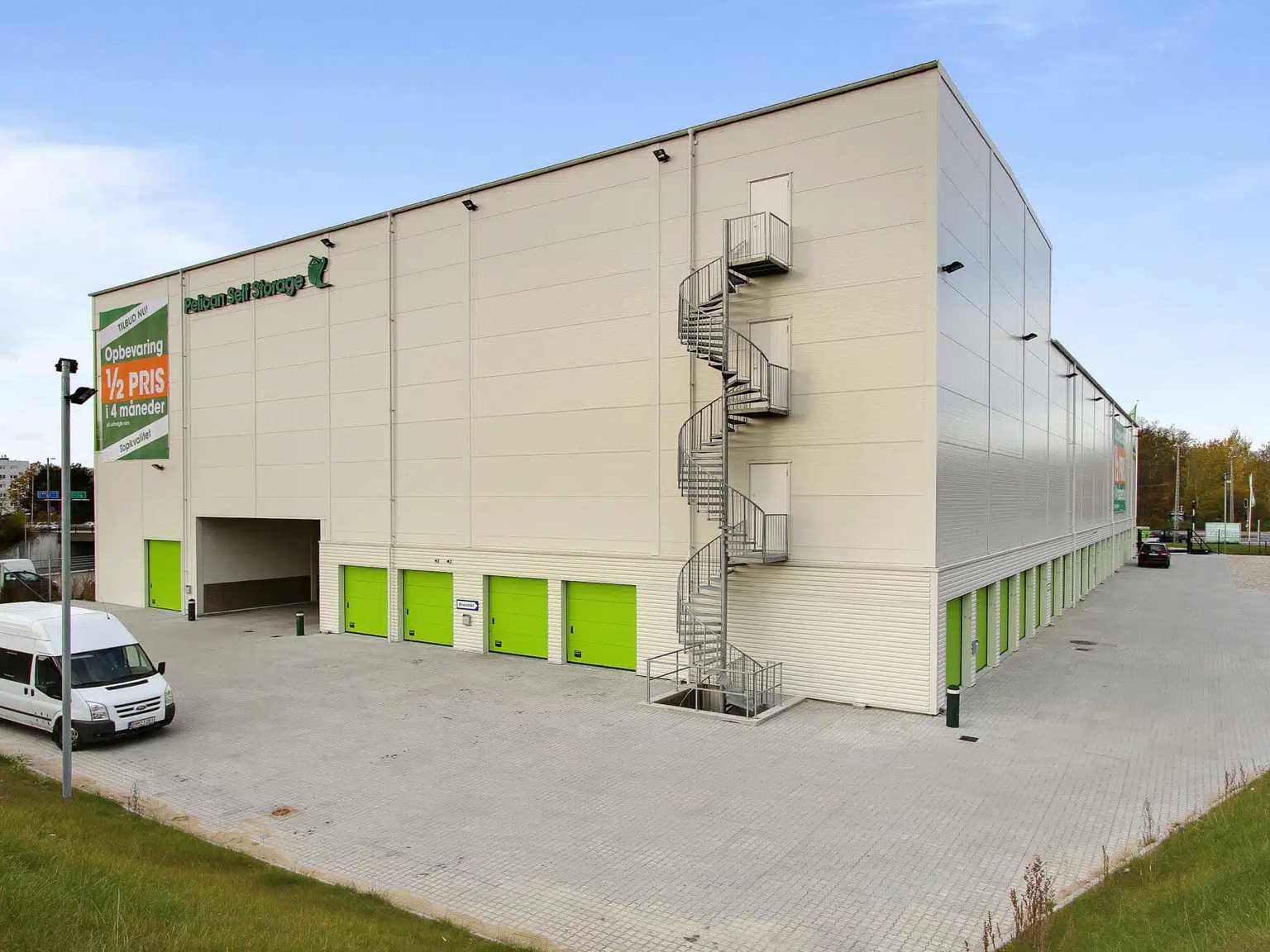
Here you can easily drive your car, trailer, or moving van into our loading and unloading area.
Keep to the right side, before or after the other cars. Do not park next to another car.
It is important not to block through traffic.
You can also park around the corner to the right and unload.
Numbered parking spaces (on the other side of the building) are private/leased and must not be used without prior agreement.
When leaving the area, follow the road and continue around the building – the road is one-way.

Entrance to the centre
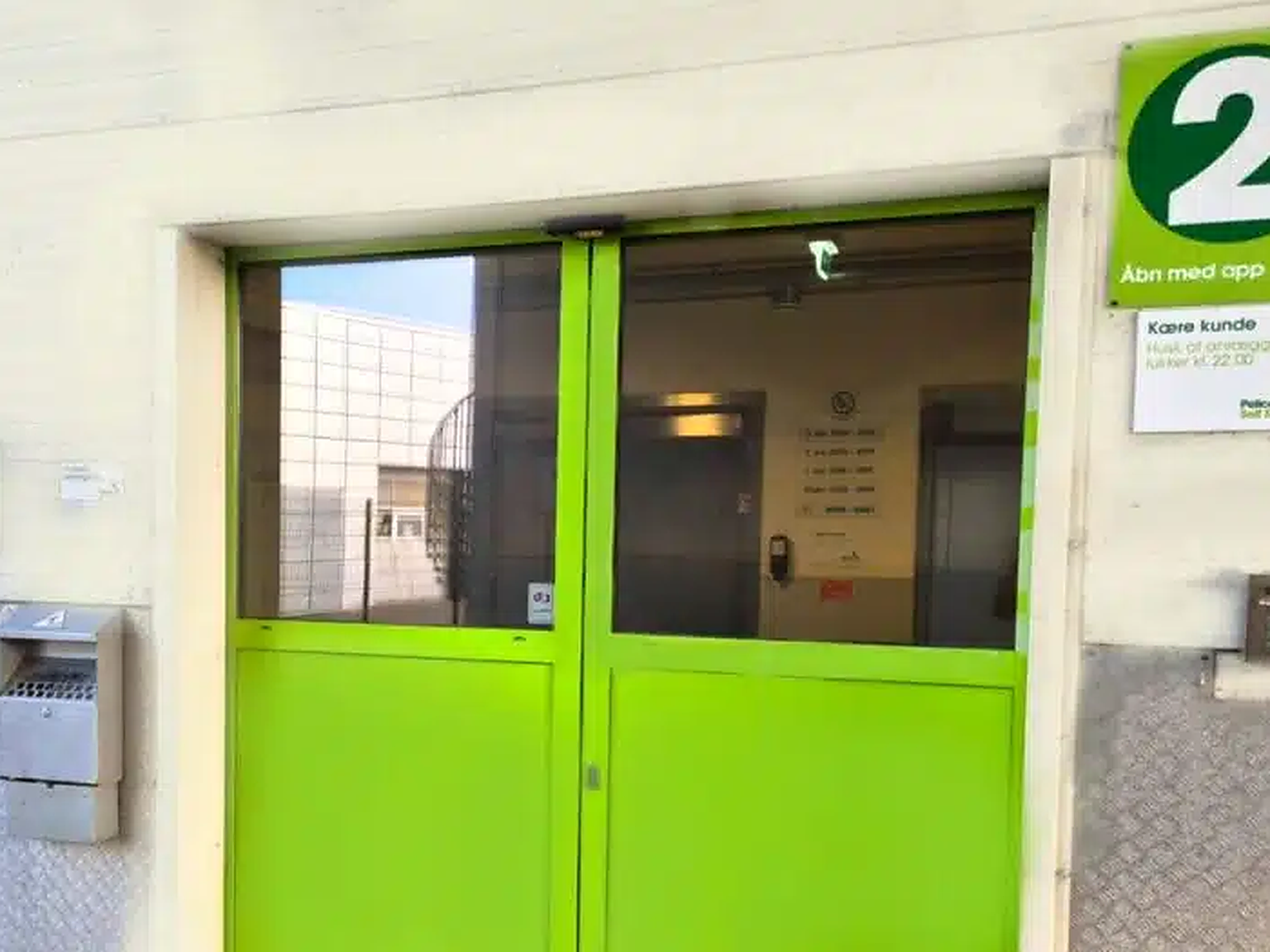
To open the sliding doors, open the app and find the number 2.
Swipe to the right, and the sliding door will then open.
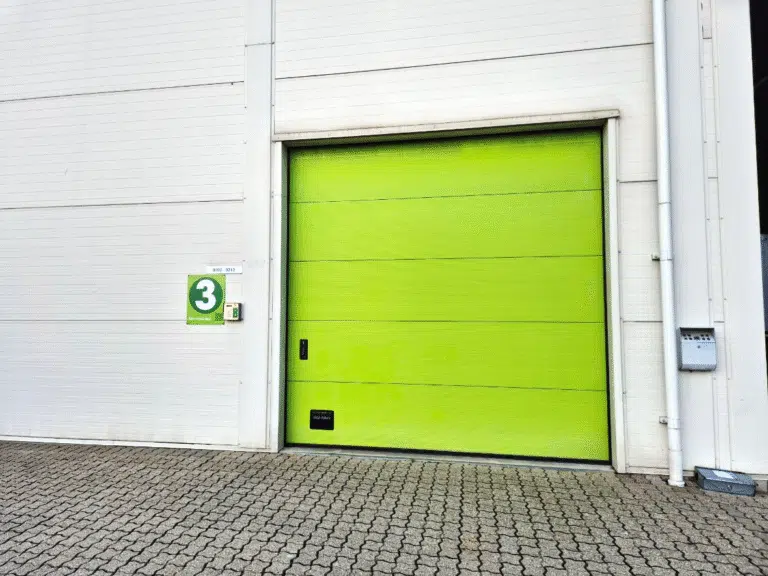
Gate 3
If you rent unit 0202-0212, you must enter via entrance 3, which is around the corner to the right.
Customer trolleys
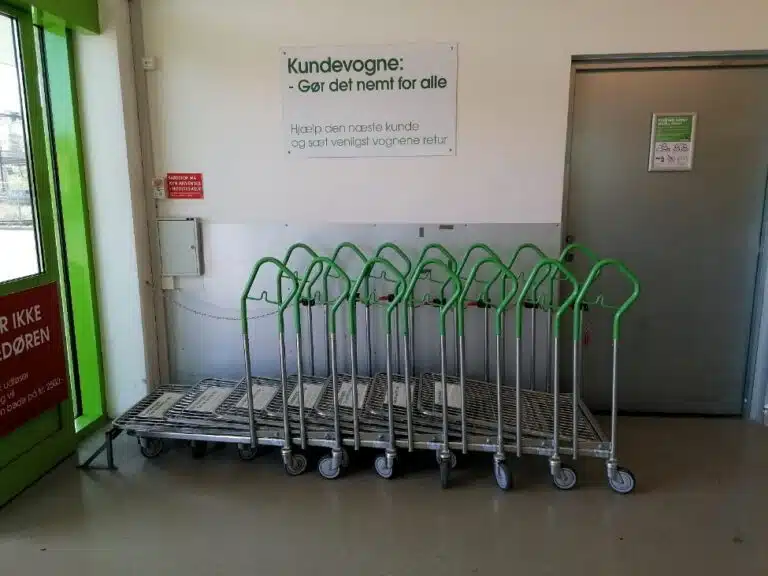
When you enter the loading hall, there are customer trolleys that you can use free of charge.
There is a limited number of trolleys, so please use a maximum of 2 per customer, so there are trolleys for everyone.
Please help the next customer and return the trolleys when you are finished.
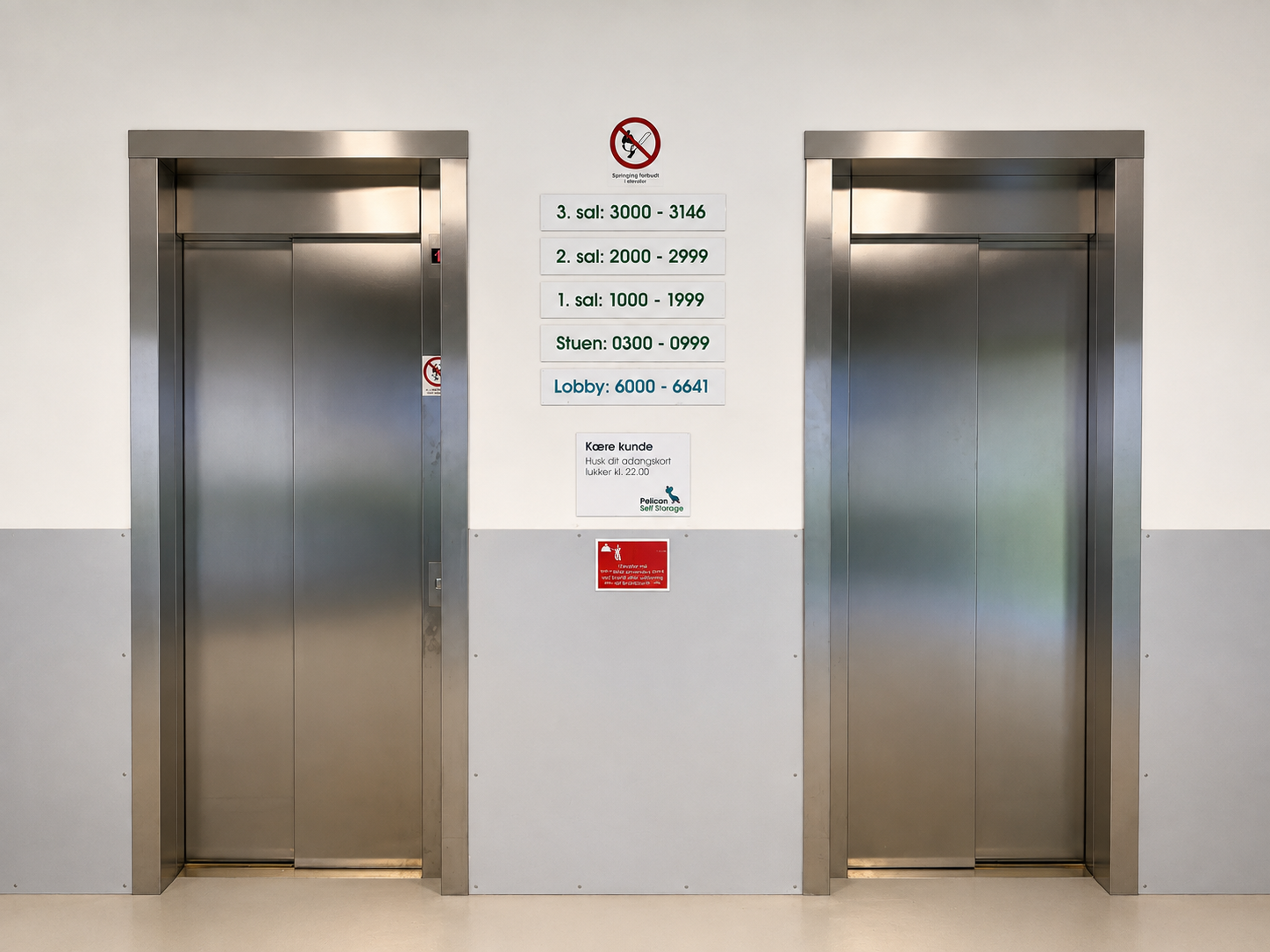
Overview of floors and access
to the lift
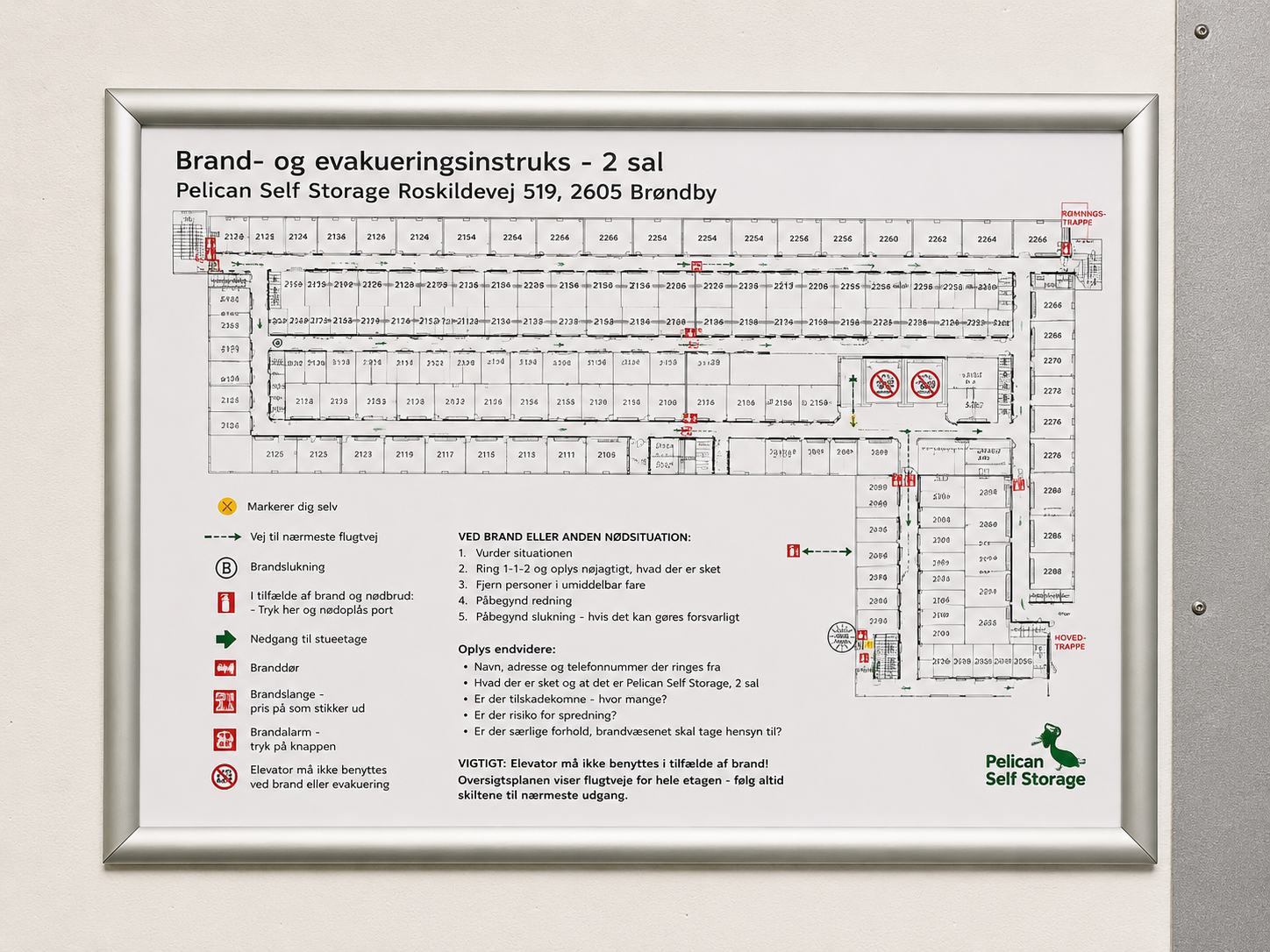
Floor overview – find your unit
When you reach the floor where your unit is, you’ll find an overview of the entire floor.
It is located by the lifts.
The red cross marks where you are standing, and on the overview you can find your unit number and then find your way to it.
Start using your unit
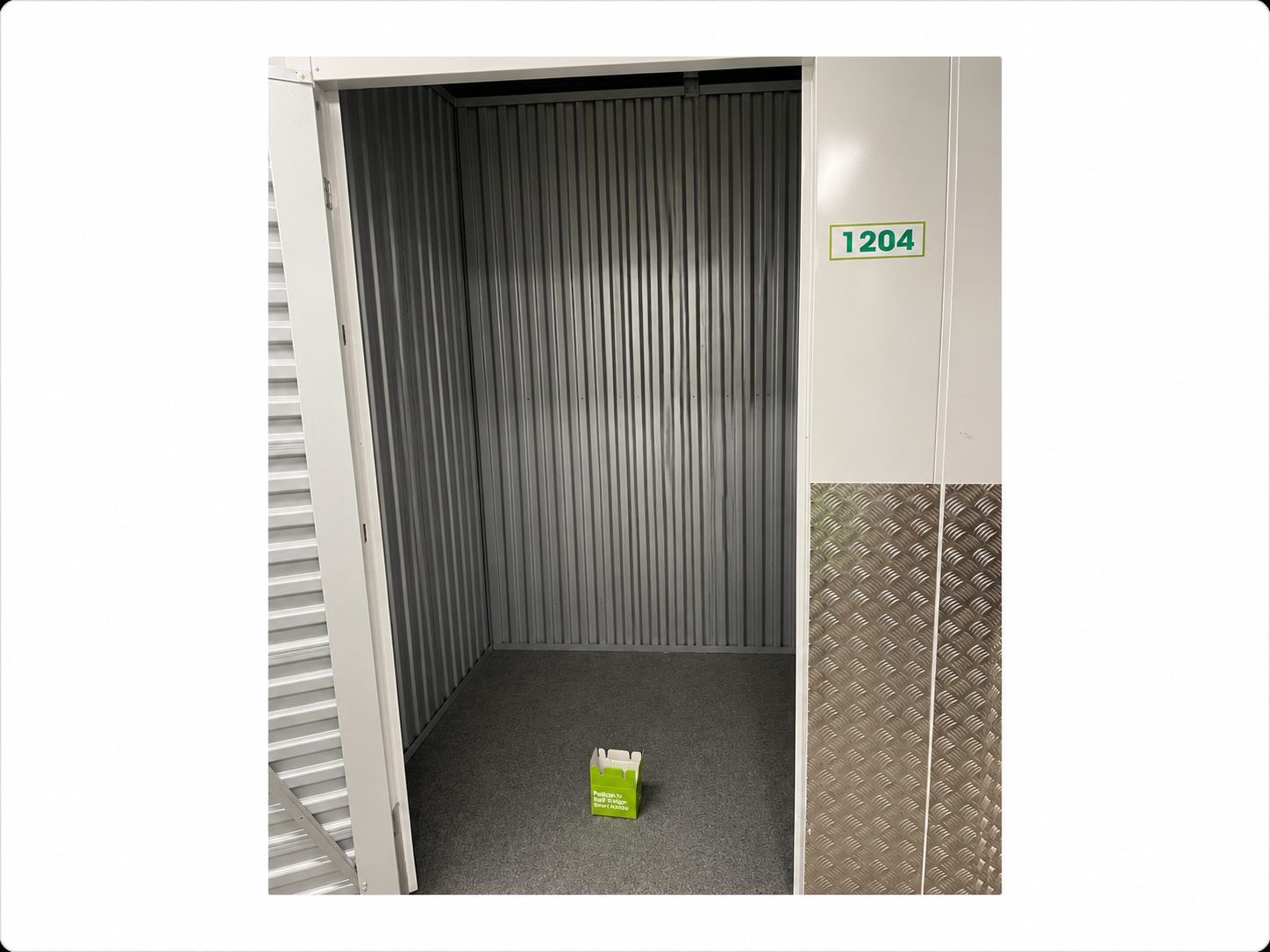
Once you have found your unit, it is very important that you double-check that you are at the correct unit number. To find your unit, make sure you choose the unit closest to the unit number (sticker) you have been given.
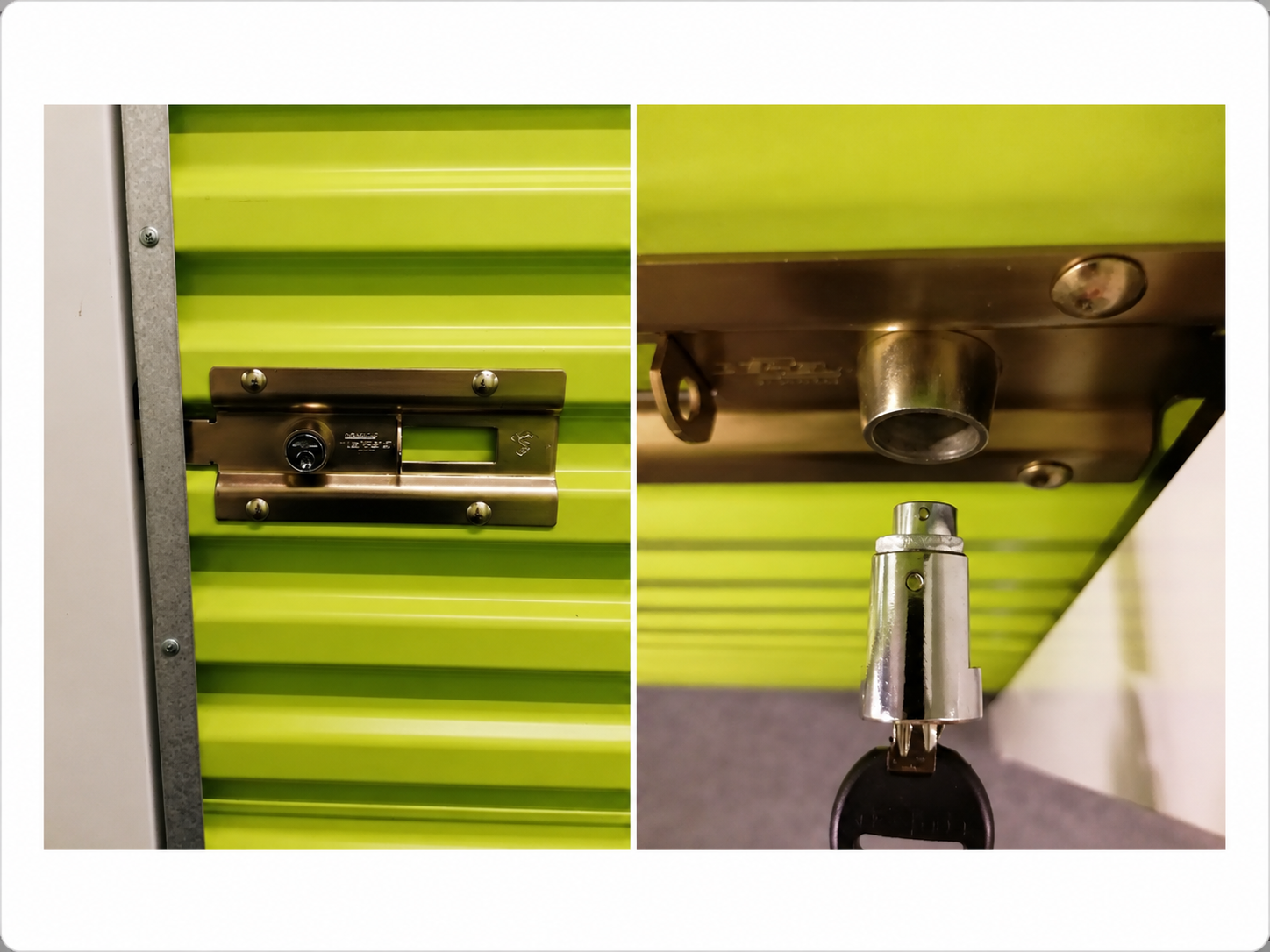
Open the unit by sliding the metal rail on the door to the right, and the door can be opened. Inside the unit, a welcome bag/box is ready for you, containing a new security-approved cylinder lock with matching keys.
There is also an information letter, which you are very welcome to read through and keep.
How to lock and open the unit
How to lock the unit
Close the door and slide the metal rail all the way to the left. Insert the cylinder lock into the hole, turn the key to the left, and remove it.
If the lock is difficult to insert, the two dots on the cylinder must face upwards and align.
Watch the video: How to lock the unit.
How to open the unit
Insert the key into the lock, turn to the right, and pull out the cylinder. Slide the metal rail all the way to the right and open the door.
Watch the video: How to open the unit.
Exit
To exit through the exit gate, open the app, find number 6 and swipe right.
The facility closes at 22.00. Remember to leave the facility and drive out through the gate before then.
If you experience problems with your access or the app, please contact the store or call +45 39 75 50 05.
Store opening hours are Mon – Fri: 09.30 – 18.00 Sat: 10.00 – 14.00.
Check that mobile data is turned on and that you are standing close to the place you want to open
Allow location sharing for the app in your phone’s settings
In an emergency outside store opening hours, call +45 33 98 60 06 to reach our alarm centre.
Get directions to Pelican Rødovre
Practical information about access
- Easy access to your storage unit
- Access to storage units every day 05.30–22.00 (if this is the correct time for Rødovre)
- Parking available at the centre
- Excellent loading and unloading facilities
- Transport trolleys available
- Lift access to storage units on other floors
- Personal help and advice during the centre’s opening hours
How to find Pelican Rødovre
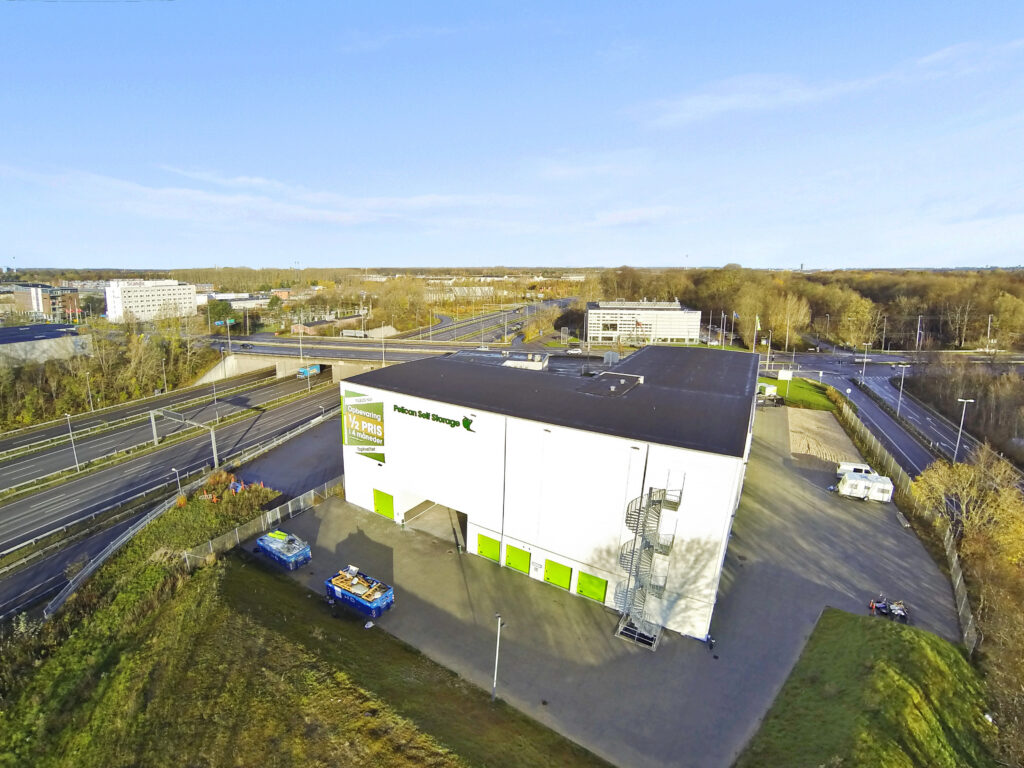
Pelican Rødovre is close to Motorring 3 and Roskildevej and is easy to reach from, among others, Irmabyen, Glostrup, and Brøndbyøster.
Use the map to find the easiest route. If you have any questions about access or parking, you are always welcome to contact the centre.