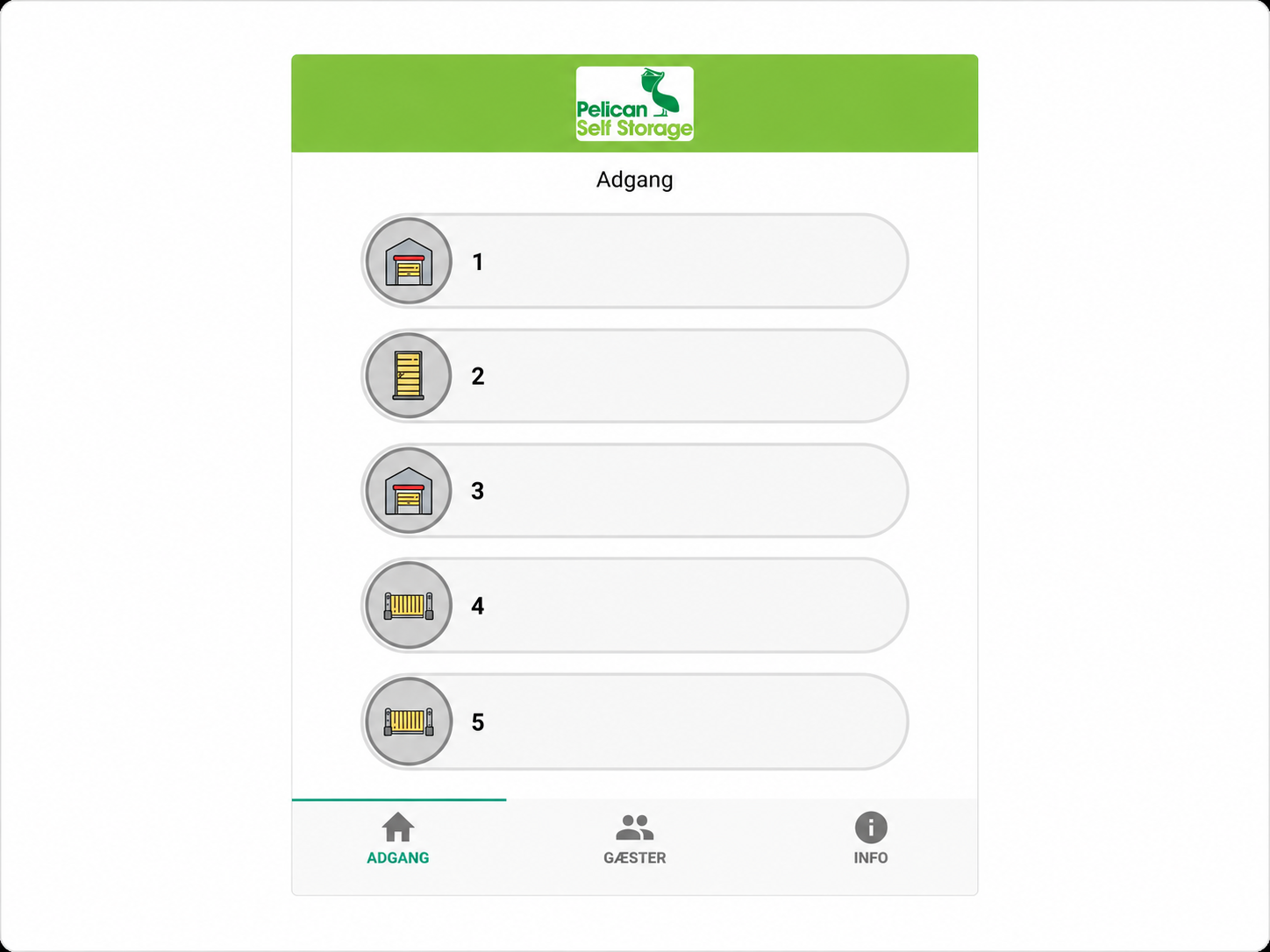
Download the Pelican Smart Access app to your mobile phone, either from the Apple App Store or Google Play.
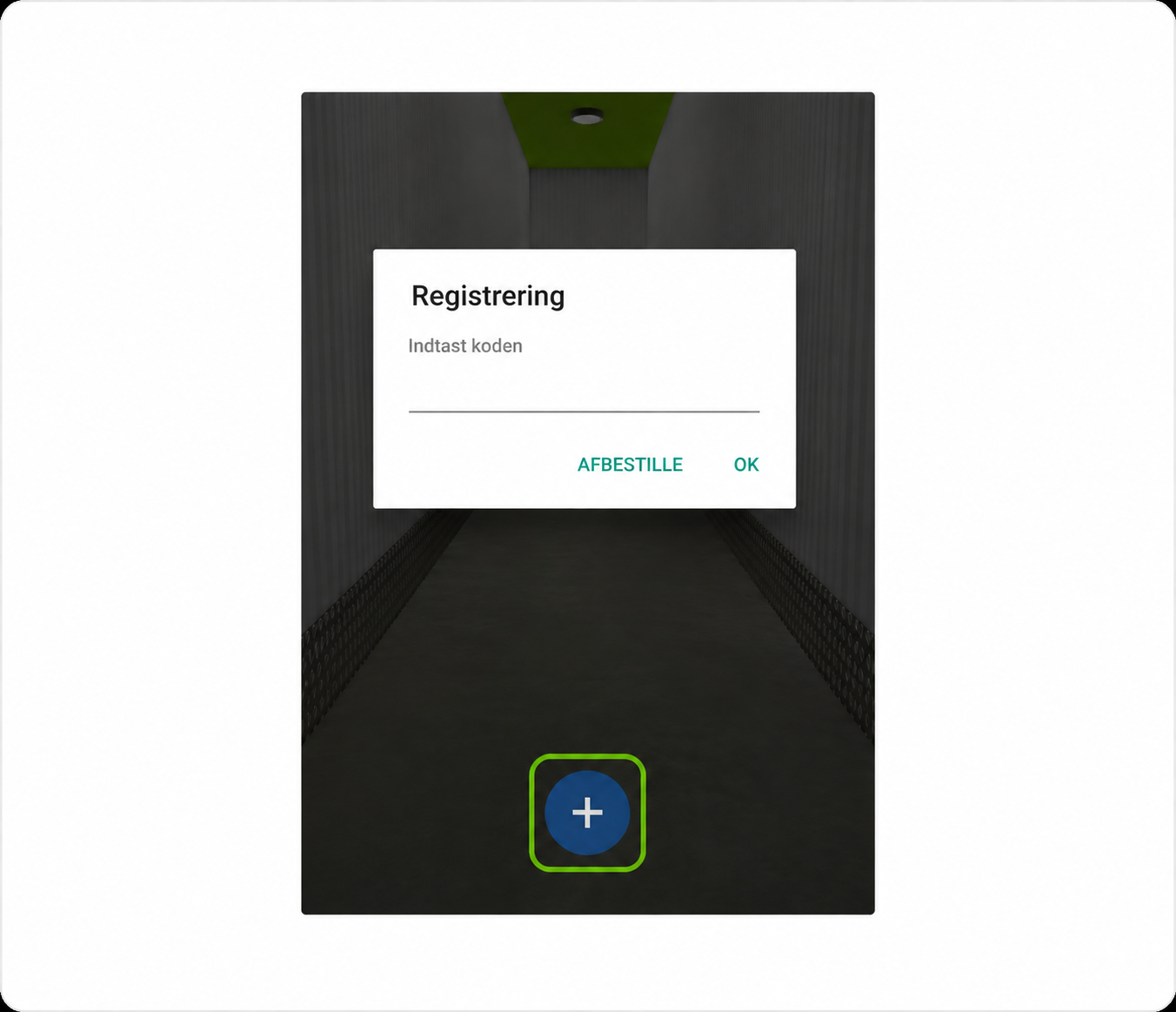
Enter the personal one-time code you received via SMS. If you have not received the code, please contact the facility staff.
Important: The one-time code can only be used once and is personal. If another person needs access, for example a family member or a removal company, please contact the facility staff. We will help set up access.

When you are at the facility, you can use the app to open gates and doors and activate the lift.
You will find numbers on the various gates and doors.
Swipe right on the relevant function in the app.
Our team is ready to show you around, answer your questions, and help you choose the perfect storage solution.
At Pelican, we prioritize security and aim to ensure that our customers are in the best possible position.
When you rent a storage unit from us, all stored belongings must be covered by insurance that fully reflects their total value.
We provide a customized insurance solution specifically developed for self storage.
Fill in your name and number, and we will call you back.
Thank you! We will call you back as soon as possible.